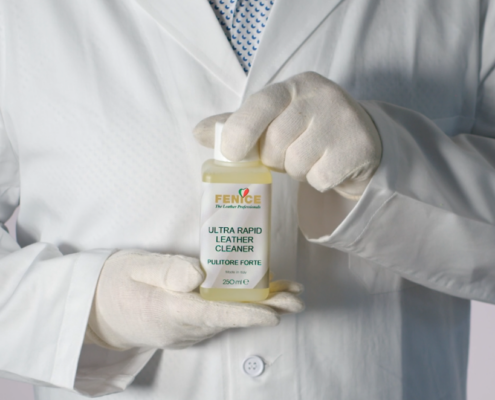
Thorough cleaning is essential to guarantee the perfect adhesion of all the products that will be applied later.
Use a Stain Eraser Sponge soaked in Ultra Rapid Leather Cleaner to clean the area that needs to be repaired by using circular movements and applying light pressure.

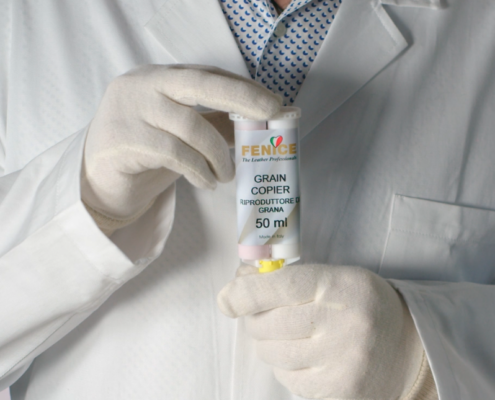
It is necessary to create a mold that perfectly reproduces the original leather’s texture on the repaired areas. Use Grain Copier to accomplish this goal.
Choose an area where the leather is intact and has a well-defined texture. Protect the area with Car Leather Protector before applying the product.
Apply Grain Copier over the desired area using the handy applicator and the mixer, then cover it with the Teflon Sheet and put a weight over it. The product will dry within a few minutes.
Before removing the mold from the leather, it is suggested to warm it up for about a minute by using a heat gun to complete the drying process.
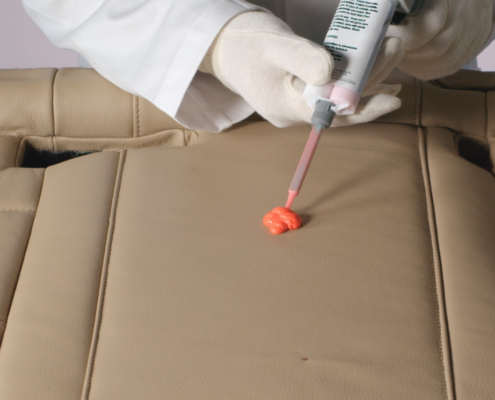

Make two incisions on the burnt part to get an X with a cutter. The incisions have to be deep and long enough to remove all the burnt parts. Once this operation is completed, the damaged part will look like a hole.
Cut a piece of Supportive Mesh that is slightly bigger in size than the damaged area and shape it to create an irregular outline to hide the repair. Insert the supportive mesh in a flat position underneath the leather.
Apply Leather Glue WB to secure it to the leather using a spatula. Dry the product with a heat gun and ensure that Leather Glue WB is perfectly applied to the edges of the leather.
The drying process only takes a few minutes.

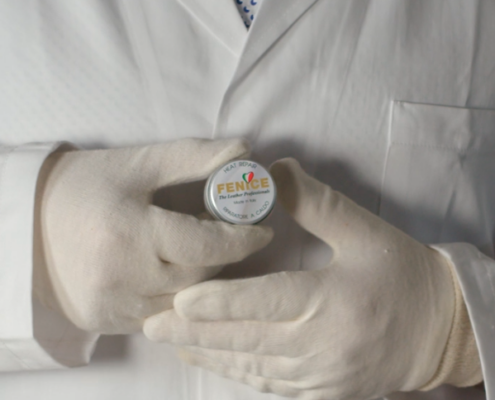
Start filling the hole with Heat Repair. Avoid using too much product and apply it evenly to the area that needs to be repaired. You should repair the damage in two steps.
In the first step, create a stable base to ensure easy repair. The first layer of Heat Repair does not need to fill the damaged part completely, even though it has to be dried thoroughly with a heat gun. The filler is completely dry when it looks transparent and glossy.
In the second step, apply the second layer of Heat Repair to completely fill the damage. Dry the filler with the heat gun until it appears matte white.
At this point, stop drying the filler and heat the Grain Copier mold thoroughly. When hot, directly place the mold on the Heat Repair and apply pressure for approximately 10 to 15 seconds. Use a cloth to protect yourself from possible burns.
Once the mold is cold, gently remove it from the leather.


You can now proceed with the color matching. To do it properly, select a clean and intact area.
It is possible to scan the color and replicate it with industry-leading precision using the color finder Autocolor Pro and the new “Renew” Fenice app, which contains more than 2.000 color recipes.
Place the device over the selected area and scan the color. The dedicated app will show the closest match and the related recipe.
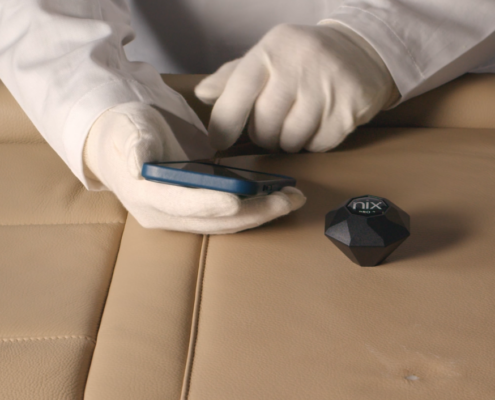

At this point, weigh the color by following the recipe provided on the screen. Use Touch Up colors for this repair. To obtain the desired degree of opacity, add a maximum of 40% of Dulling Agent.
Now proceed with the coloring of the repair using the Leather Touch-Ups in the desired color.
Apply Leather Touch-Up by dabbing the repaired area with a sponge and subsequently drying the paint with a heat gun. Repeat this process until the surface appears to be uniform and the repair is not visible anymore.
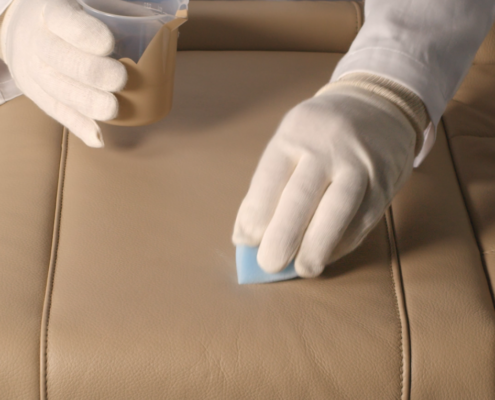
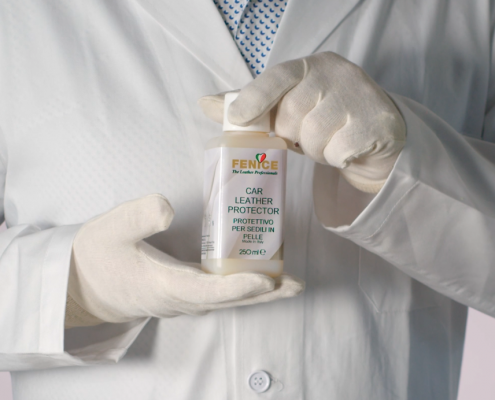
Once the repair is complete, we suggest protecting it by using the Car Leather Protector.
This product allows you to maintain the softness of the leather and protect it from the dirt that gets accumulated every day.